
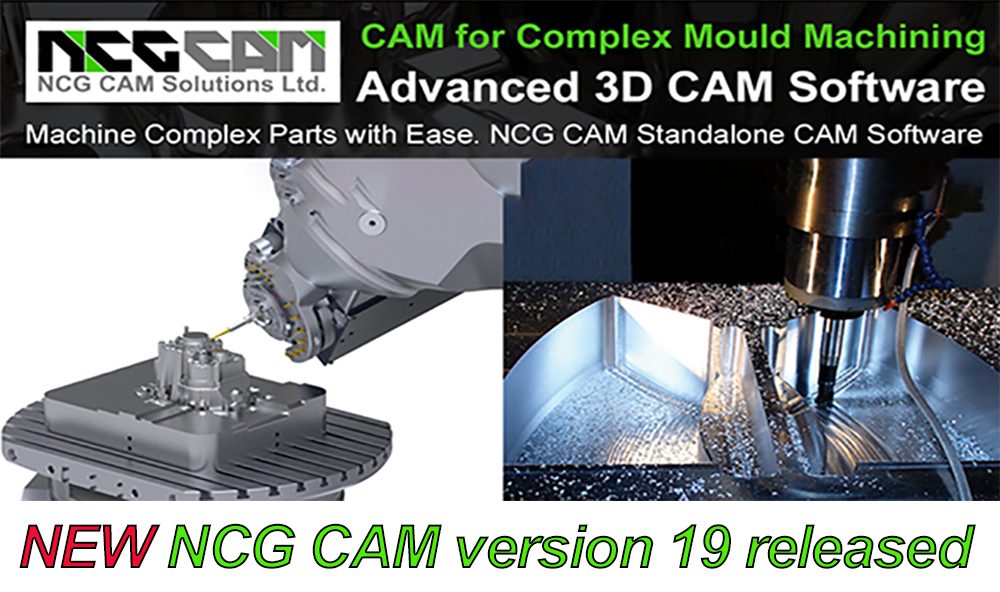

New 2-axis Turning Functionality
This major release sees the addition of new 2-axis Turning functionality. Long awaited 2-axis Turning (complete with post-processors to edit) has been added to the Basic module of NCG CAM and is included in the price there is no additional charge for this module. This adds value to existing users with active software maintenance and opens the door to new users who have a requirement for Turning, as well as Milling.
Other new features include in NCG CAM V19:
-
-
-
-
-
Trim Surfaces to a Boundary
-
A new option to specify a final Profile Pass for the Adaptive Clearance Roughing
-
User Editable Toolsheets
-
Surfaces can be used to create a Swept Stock Model
-
Default Macro Folder added
-
The use of Transparency has been added during Cutter Simulation
-
-
-
-
Significant Improvements have been made to:
-
-
-
-
-
Rest Waterline Passes
-
Radial and Spiral Passes
-
Rest Finishing Linking
-
Shallow Area Boundaries
-
Cutter Contact Boundaries
-
-
-
-
Other Improvements Include:
-
-
-
-
-
The Drilling functionality has also been enhanced further by supporting Slocombe Style Drilling Centre Drills
-
A new option to define shank profiles on drills
-
Detect holes by colour
-
Min and Max Angle added to Detect Holes
-
Improvements to dialogues and the Operation Tree display
-
-
-
-
Also Geometry Improvements such as:
-
-
-
-
-
Significant Import Speed Increases for CAD formats
-
3D Trimming for IGES Files
-
Changing the Colour of Triangulated Surfaces are included
-
-
-
-
Multiple Significant Improvements have been made to:
-
-
-
-
-
Graphics
-
Enhancements to the 3D Tool Guide
-
A few other General changes.
-
-
-
-